Creating Projects
Written By Envisage Support
Last updated 5 days ago
Project types and clients may need to be added before completing this step. See ‘Adding Project Types’ and ‘Adding Clients’ for more details.
In the header nav bar, navigate to Projects.

Click on the project dropdown menu in the top-left, and select Create New Project.
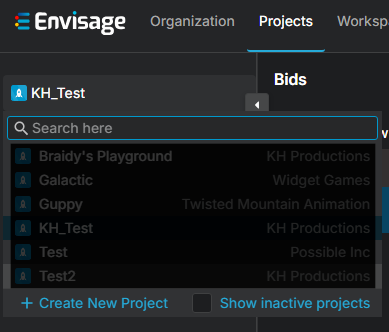
If creating a project for the very first time, the user may be prompted to do so using the button that is visible without the use of the dropdown menu.
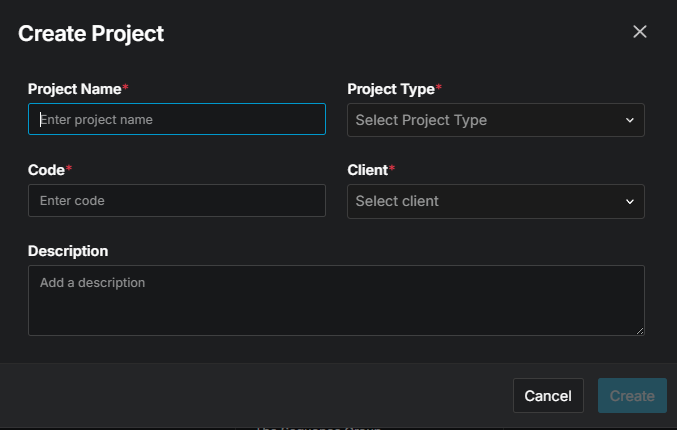
Fill out the information in the following modal, and then click Create.
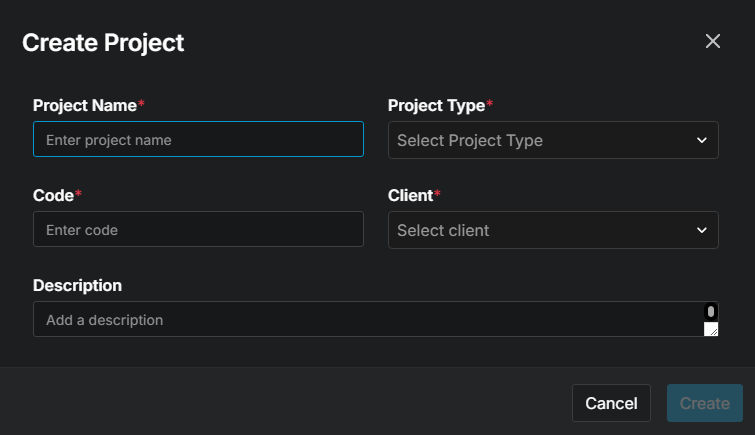
What is a project type? What is a code? What is a client? What does the red asterisk mean?
Repeat as necessary for each project.
Projects may also be created in two other ways:
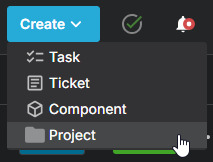
Via the Create menu in the upper-right area of the header nav bar.
Via the Admin section in the header nav bar. Navigate to Projects in the side nav bar, selecting Add New Project and filling out the information in the following modal.