Getting Started
IntroductionConfiguring Your OrganizationEntering & Seeding DataStarting a Project
General Info
GlossaryIconography
Staging
Creating ComponentsCreating TasksCreating Task TemplatesHow-TosNavigating EnvisageFrequently Asked Questions (FAQs)Shortcuts
    Home
  1. Getting Started
  2. Entering & Seeding Data
  3. Adding Work Order Categories

Adding Work Order Categories

Written By Envisage Support

Last updated About 1 month ago

In the header nav bar, navigate to Admin.

In the side nav bar, navigate to Workorder Categories.

  • Click the Add New Work-Order Category button.

    What is a work-order category?

  • Fill out the information in the following modal, and then click Submit.
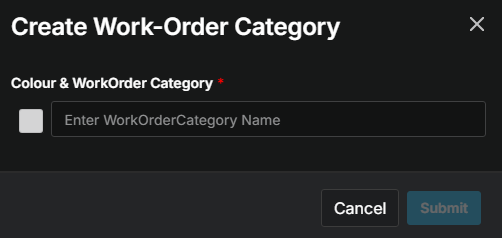
    What does the red asterisk mean?

  • Repeat as necessary for each work order category.

Was this helpful?