How-To: Bulk Edit
Written By Envisage Support
Last updated 21 days ago
Bulk editing is a powerful tool used to edit multiple table elements at once. Some examples of features of the application that support bulk editing include tasks, components, tickets, etc. The following guide will use tasks as an example, but the same concepts apply to other areas of Envisage with bulk edit.
Task Bulk Editing
In the header nav bar, navigate to ‘Tasks’.

Select any number of tasks using the checkboxes to the left of each task’s row.

Click the Bulk Edit button located at the bottom of the page.

Modify the desired attributes and click Save.
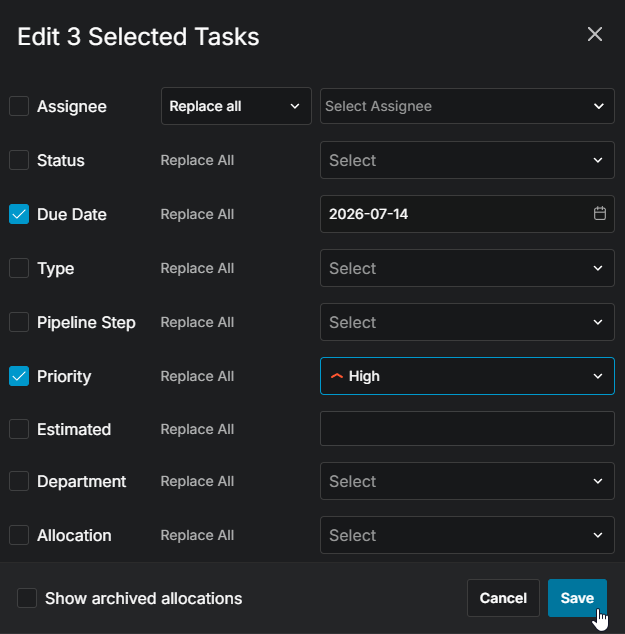
The page will refresh, and the desired changes for the affected tasks will populate in the table.