Adding Component Categories
Written By Envisage Support
Last updated About 1 month ago
In the header nav bar, navigate to Admin.

In the side nav bar, navigate to Component Category.
Click the Add New Component Category button.

Fill out the information in the following modal, and then click Submit.
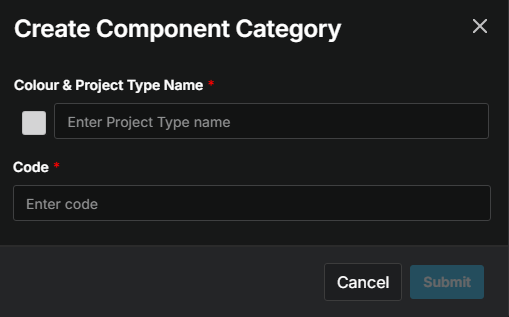
What is a component? What is a code? What does the red asterisk mean?
Repeat as necessary for each component category.